
 Beck’s Toolbox
 Knives
 DIY Build Kits
 Digital Downloads
 Machine Accessories
 Fabricating Materials
CNC Plasma Cutting
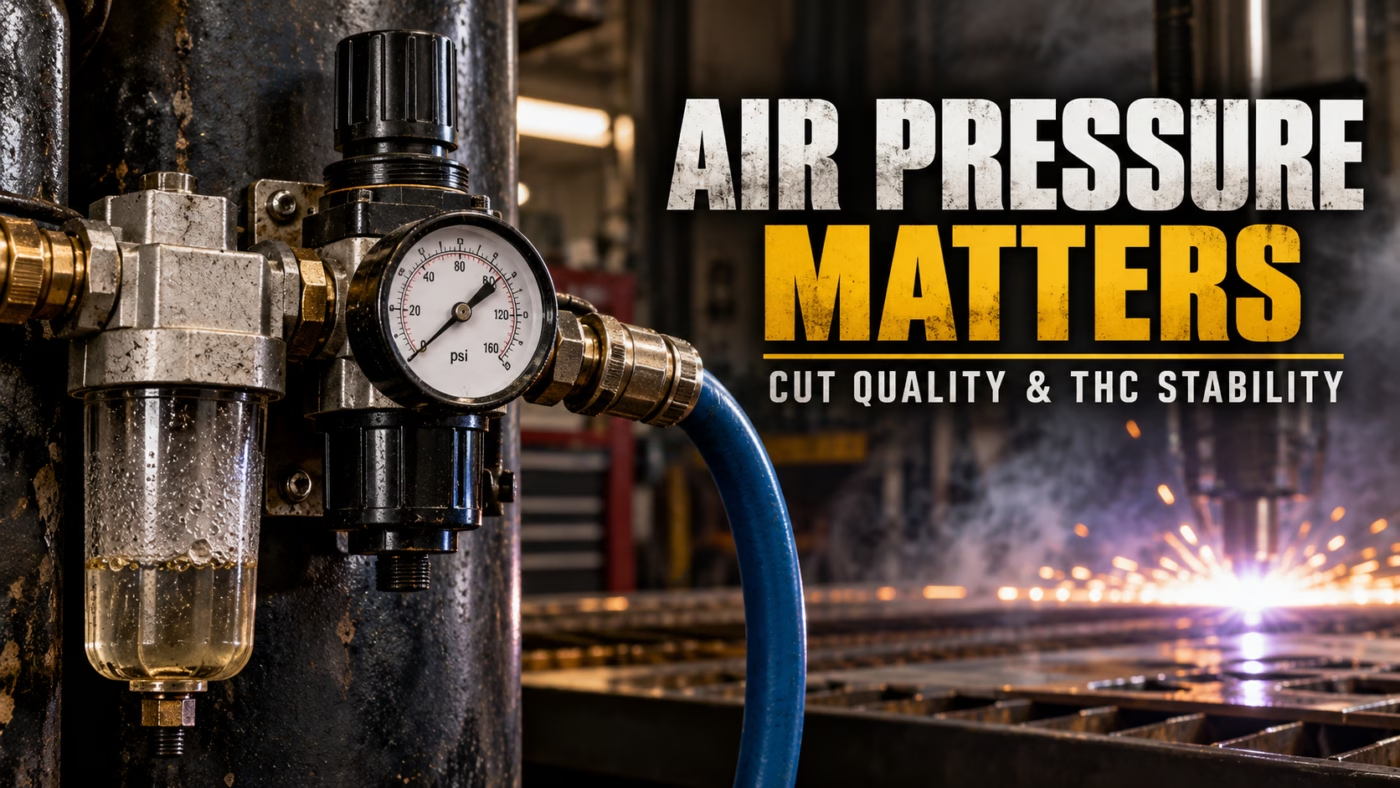
CNC Plasma Air Pressure: Why It Matters for Cut Quality
Sep
Why CNC Plasma Air Pressure Matters More Than You Think
You can have your amperage, cutting speed, and torch height perfectly dialed in and still get terrible results if your compressed air supply isn’t doing its job.
One of the most overlooked variables in CNC plasma cutting is air pressure. More specifically, it’s the difference between having the correct pressure showing on your regulator and actually delivering the required pressure and airflow while the machine is cutting.
Those are two very different things.
Here’s why your compressed air system can make or break your cut quality.
Your Plasma Cutter Needs More Than Just Air Pressure
Most CNC plasma cutters use compressed air for two important jobs.
First, air becomes part of the plasma process. The electrical arc heats the gas, producing the high-temperature plasma jet that melts the material.
Second, the high-velocity gas helps remove molten metal from the kerf, allowing the torch to cut through the workpiece.
This requires a combination of pressure and airflow.
You can have a regulator displaying the correct pressure while your compressor, plumbing, or filtration system is incapable of supplying enough air to maintain it.
That’s where problems begin.
Static Pressure vs. Pressure While Cutting
Imagine setting your air regulator to 72 PSI while the plasma cutter is sitting idle.
Everything looks perfect.
But what happens when you pull the trigger?
As soon as air starts flowing, pressure can drop because of restrictions in your air supply.
Common restrictions include:
-
Undersized air hoses
-
Restrictive quick-connect fittings
-
Partially plugged filters
-
Undersized regulators
-
Excessively long air lines
-
A compressor that cannot maintain the required airflow
A regulator displaying 72 PSI with no airflow doesn’t necessarily mean you’re delivering 72 PSI while cutting.
Shop Tip
Check your plasma cutter’s air pressure using the manufacturer’s recommended flowing-air test procedure, not just the pressure displayed while the machine is sitting idle. Also verify whether the specified pressure refers to the machine inlet or an internal regulator.
This is particularly important when using smaller compressors that may struggle with the continuous airflow required for long CNC programs.
How Low Airflow Can Confuse Your Torch Height Controller
Here’s a problem I fought with quite a bit before figuring out what was happening.
On THC systems that sample arc voltage at the beginning of each cut, insufficient airflow can create a particularly frustrating problem.
When the torch first fires, you might have plenty of pressure because the air system has had time to recover. Everything initially looks perfect.
The THC samples the arc voltage and establishes its target.
However, if your compressed air system cannot maintain sufficient airflow, the pressure can begin dropping a few seconds into the cut.
As the pressure drops, the characteristics of the plasma arc can change, including its voltage.
Now your THC is chasing a voltage target established under completely different cutting conditions.
The controller may begin making excessive height corrections while attempting to maintain that original target. Depending on the system and severity of the pressure drop, this can ruin the cut or potentially cause the torch to collide with the material.
I experienced this problem repeatedly when I had plenty of initial air pressure but insufficient airflow.
The frustrating part is that everything can look fine at the beginning of the cut. The problems only appear after the THC has already established its target voltage.
The lesson: Your compressor needs to maintain the required pressure and airflow throughout the entire cut, not just for the first few seconds.
Note: THC sampling and voltage-control strategies vary between controllers.
What Incorrect Air Pressure Does to Cut Quality
Incorrect air pressure changes how the plasma arc behaves and how effectively molten material is removed from the cut.
Depending on the torch and consumables, insufficient or excessive pressure can cause several problems.
1. Increased Dross
If your air supply is inadequate, the plasma jet may not effectively remove molten material from the kerf.
That molten material can solidify along the bottom edge of the part.
However, dross isn’t automatically an air-pressure problem. Incorrect cutting speed, amperage, and torch height can produce similar symptoms.
Always verify the recommended cutting parameters before adjusting your air pressure.
2. Poor Edge Quality
The plasma arc needs to remain concentrated and stable.
Incorrect gas pressure can affect the shape and behavior of the arc, potentially causing rough or inconsistent cut surfaces.
Before blaming air pressure for excessive bevel, make sure your torch is perpendicular to the material.
Read: Why CNC Plasma Torch Squareness Matters for Cut Quality.
3. Reduced Consumable Life
Incorrect air pressure and contaminated air can accelerate consumable wear.
Your electrode and nozzle operate under extremely demanding conditions. Anything that destabilizes the arc or interferes with proper cooling can shorten their operating life.
If you’re constantly replacing consumables, your compressed air system deserves a closer look.
Moisture Is Another Major Problem
Pressure isn’t the only consideration.
Compressed air naturally contains moisture. As air is compressed and subsequently cools, that moisture can condense into liquid water.
If that water makes its way into your plasma cutter, it can interfere with the cutting process and contribute to premature consumable wear.
This is why an air dryer or properly designed moisture-removal system is worth considering.
There are several ways to improve air quality:
-
Water separators: Remove entrained liquid water from compressed air.
-
Refrigerated air dryers: Reduce moisture by cooling the compressed air and removing the resulting condensate.
-
Desiccant dryers: Remove water vapor and can deliver considerably drier air.
-
Coalescing filters: Remove fine liquid aerosols, including oil and water droplets, when properly specified.
A water separator alone will not remove all the water vapor in compressed air.
For shops operating in humid environments, a suitable air dryer can make a significant difference.
Whatever equipment you choose, make sure its rated airflow meets your plasma cutter’s requirements.
Use the Cut Chart, Not Guesswork
This is where having a reliable cut chart becomes extremely useful.
For example, the Everlast 82i cut-chart data provided by John Messar lists 72 PSI for many cutting conditions and 75 PSI for certain thicker materials.
Those are reference settings for the documented cutting conditions, not universal recommendations for every plasma cutter.
Different machines and consumable configurations have different requirements.
Start with the manufacturer’s recommended settings, verify where the specified pressure should be measured, and confirm that your air supply can maintain the required airflow.
Don’t automatically increase air pressure because your cuts look bad. Excessive pressure can create problems of its own.
Don’t Confuse Air Problems With Mechanical Problems
One thing I’ve learned when troubleshooting CNC equipment is that changing settings won’t necessarily fix a mechanical problem.
Before tearing into your compressed air system, consider what else could produce similar symptoms.
For example, improperly routed torch leads can pull on the floating Z-axis and change the actual cutting height.
The resulting cut-quality problems might look like incorrect cutting parameters, even though the real issue is mechanical.
I explain this in detail in Why Torch Lead Routing Matters on a CNC Plasma Table.
Likewise, inconsistent torch positioning or a holder that doesn’t properly secure the torch can create problems that resemble incorrect cutting settings.
See Why Full-Radius Clamping Holds a CNC Plasma Torch Better.
You need to eliminate these possibilities before you start changing multiple variables.
A Simple Air Supply Troubleshooting Checklist
If you suspect your compressed air system is affecting your cuts, here’s where I would start.
-
Verify that the compressor meets the plasma cutter’s required airflow specifications.
-
Check air pressure while air is flowing, following the manufacturer’s procedure.
-
Inspect air hoses, fittings, and filters for restrictions.
-
Check for moisture or oil contamination in the compressed air.
-
Verify that the installed consumables match your selected cutting parameters.
-
Run a test cut using the recommended settings.
If you find a problem, correct it and run another test before changing additional parameters.
Changing multiple variables at once makes troubleshooting unnecessarily difficult.
The Bottom Line
A plasma cutter is only as good as the air supply feeding it.
Having the correct number displayed on your pressure gauge doesn’t guarantee that you’re delivering the pressure and airflow required during cutting.
Before spending money on replacement consumables or endlessly adjusting your cut settings, make sure your compressed air system is functioning correctly.
Sometimes improving cut quality has nothing to do with the CNC program.
For more practical CNC plasma setup and troubleshooting information, visit the Beck Tools Guides.
